

Link Planner
Point-to-point microwave links on terrain-accurate path profiles, ITU-R throughout, with ACMA coordination.
The radio engineering platform
Where to start
One team designs the system, assigns the frequency and builds the software, so the work carries straight through from the first calculation to the finished product.
Live Tools
These are not calculators built to fill a page. They are the tools we reach for on real jobs, which is why they show their working, cite the standard behind each number and run on actual vendor hardware rather than typical values.
Point-to-point microwave links on terrain-accurate path profiles, ITU-R throughout, with ACMA coordination.
Built to the published standards







Trusted where it matters
Refreshed every day
The national licence register is pulled fresh every day, so site, licence and interference checks start from what is actually on air.
Built on published standards
Calculations implement the published methods of ITU-R, ETSI, 3GPP, ARPANSA and Standards Australia. Propagation and link modules are verified against independent reference implementations of the ITU-R Recommendations they apply, and cite the edition used.
55,000+ real parts, not placeholders
35 equipment categories of actual vendor hardware, with measured antenna patterns and manufacturer datasheet figures behind the numbers.
 Used on operational mine sites
MC² Engineered
Underground radio and frequency planning
MC² Engineered built the frequency plan for an underground radio network in the Frequency Coordination Tool, taking most of the manual spreadsheet work out of it. On operational mine sites they also use noIM₃ to check underground frequency plans for intermodulation interference.
 Licensing client
ProSEA
Non-assigned marine ship station licence
noIM₃ handled our non-assigned marine ship station licence from start to finish and made the whole thing seamless and easy.
 Industry membership
ARCIA
Member of the Australian Radio Communications Industry Association since July 2026
ARCIA is the peak body for Australia's radio and critical communications industry. Membership keeps our engineering close to the standards, training and regulatory work that shape the sector.
Accredited personACMA
Accredited to assign
Our ACMA accreditation is general, so it is not limited to a particular service, band or licence type. Every assignment is coordinated and lodged by an accredited person.
Reimagining the Australian Spectrum
Spending hours digging through the ACMA portal, rebuilding spreadsheets for every project, or waiting on answers about available spectrum is still the norm. That is exactly why the ACMA Spectrum Tool exists. It gives you a live, searchable view of every apparatus licence in Australia, so you can run coordination checks, build frequency plans, and understand your spectrum environment in one place.
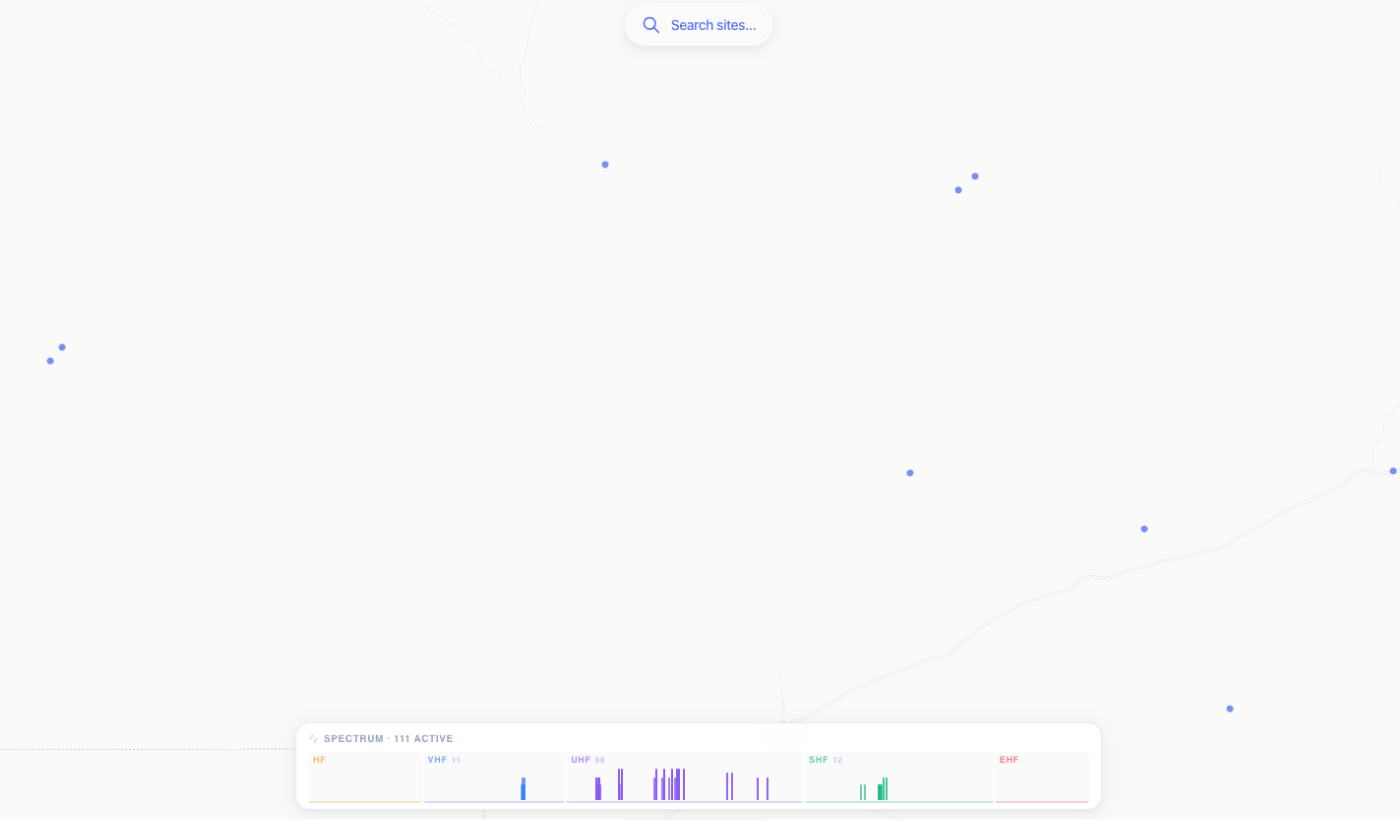
Based on Australian Communications and Media Authority information
Anyone can publish a calculator. Far fewer can complete the frequency assignment and lodge the apparatus licence application that follows. Our accreditation is general, so it is not limited to a particular service, band or licence type.
Pick a site on the map above and the application follows it.
We review the details and reply with a quote before any work begins.
From the blog
 RF Engineering New
An RF coverage map predicts where a radio system will meet a stated service threshold, and its boundary depends on much more than transmitter power.
 New
NewMicrowave link planning checks that a fixed radio path has the clearance, capacity and availability the service needs, with spectrum and installation requirements resolved before construction.
 New
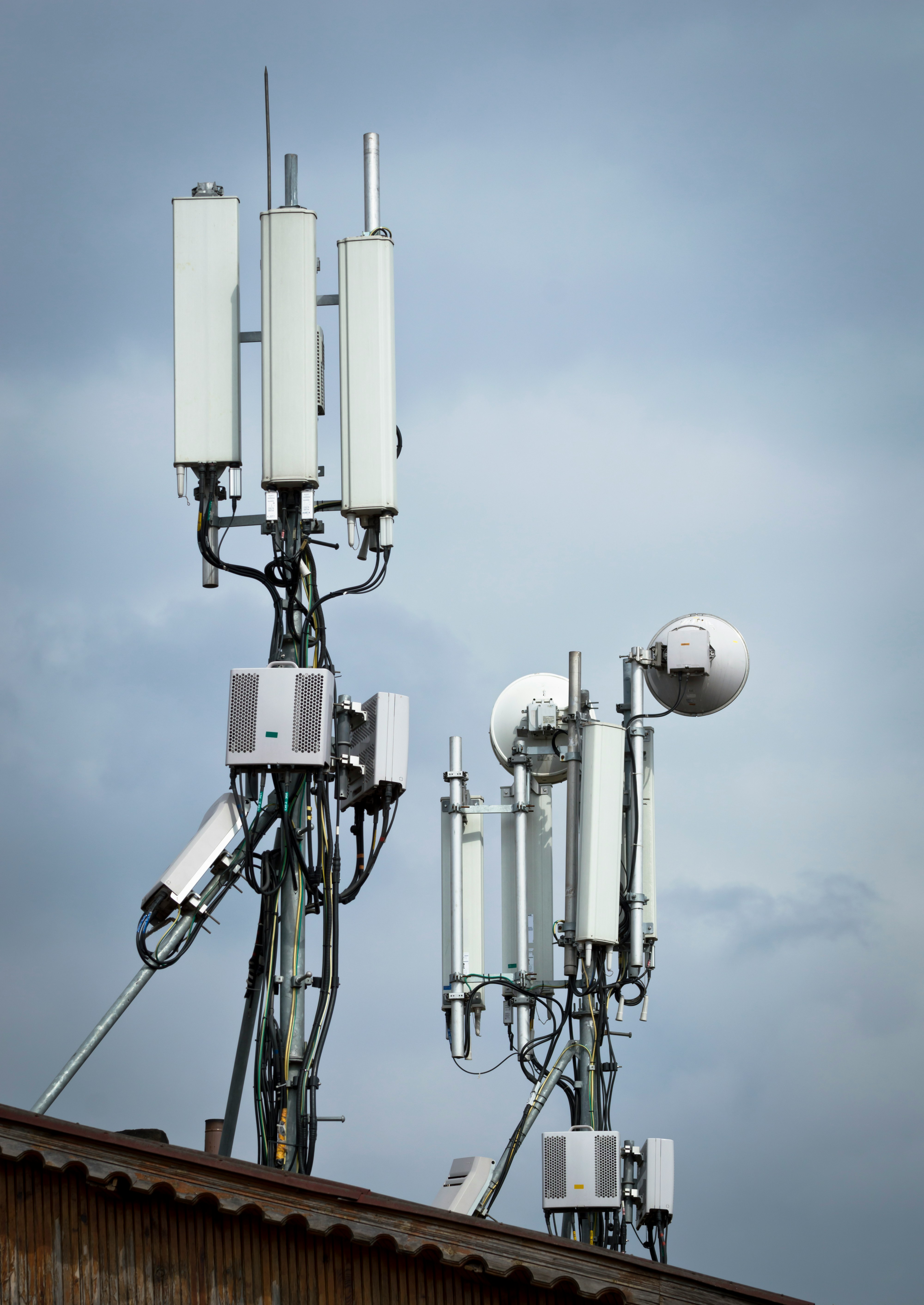
NewBy the most widely published thresholds, a good 4G signal is an RSRP of -90 dBm or better, an RSRQ of -15 dB or better and a SINR of 13 dB or better.
 New
NewOn the surface, TDMA wins the spectrum argument: two calls on one 12.5 kHz carrier for DMR and P25 Phase 2, four on 25 kHz for TETRA.
How we compare
Pathloss, ATDI, LINKPlanner, Planet and EDX are proven tools. Here is what you get with noIM₃.
Vendor agnostic
We work for and with anyone, on any vendor's equipment, so the design follows your requirements, not a product line.
Spreadsheets into solutions
The workbook your team keeps by hand, turned into a tool. MC² Engineered's underground frequency plan moved from spreadsheets into one.
One platform, in the browser
105 tools across RF, electrical and comms, with nothing to install and your projects saved to your account.
From plan to licence
The same team that checks the design coordinates the frequency and lodges the licence as an ACMA accredited person.
Based on each product's published information, October 2026. Product names are trademarks of their owners; noIM₃ is not affiliated with them.
Create your account, verify your email, and all 24 Pro tools are yours for two weeks with no card needed. After that, 81 tools stay free with no time limit, and your projects stay saved to your account.
Pick up where you left off, or open the register and check what is on air around your site.
No card needed. The trial starts when you verify your email. Need a licence assignment? Talk to us →
 Coverage Predictor
  Terrain Data Viewer
  Fresnel Zone Calculator
  Link Budget Calculator
 Link Planner
  RSRP, RSRQ & SINR Calculator
  LTE Link Budget & MAPL Calculator
  Leaky Feeder Designer
  In-building DAS Designer